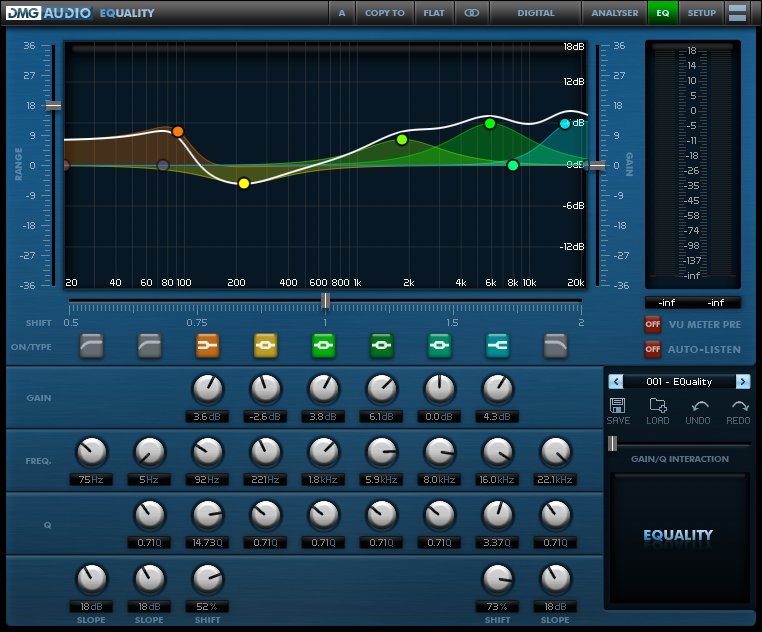
Returning users login for discounts :

Create a new account...
or continue as guest.

Your shopping cart

ProductQuantityPrice
PitchFunk643USD 62,582.89
EQuick587USD 57,132.43
Dualism706USD 160,346.39
EQuality643USD 83,446.63
Limitless386USD 75,143.41
Expurgate775USD 100,577.20
Essence612USD 79,423.54
TrackMeter985USD 51,124.48
TrackGate341USD 17,698.94
Compassion368USD 71,639.31
TrackDS353USD 18,321.77
EQuilibrium964USD 218,943.22
Multiplicity514USD 116,739.44
TrackLimit342USD 17,750.84
TrackComp 2819USD 90,342.68
 Total :USD 1,221,213.09 
 Discount :-USD 427,408.53 
Your Price :USD 793,804.56 
Please be advised that non-GBP prices are approximate and based on current exchange rate. The exact amount you will be charged is £611,606.87
Use the form above to pay with credit/debit cards, or click the logo to the right to use Paypal:

Your shopping cart

  • PitchFunk (643)

  • EQuick (587)

  • Dualism (706)

  • EQuality (643)

  • Limitless (386)

  • Expurgate (775)

  • Essence (612)

  • TrackMeter (985)

  • TrackGate (341)

  • Compassion (368)

  • TrackDS (353)

  • EQuilibrium (964)

  • Multiplicity (514)

  • TrackLimit (342)

  • TrackComp 2 (819)

  • Discount :

    -USD 427,408.53

  • Subtotal :

    USD 793,804.56

  •  


How to Install on Windows

You need two files to install; the plugin installer and the license file. Both are available from the downloads page once you're logged in. If you're using a demo, download the installer from the site, and use the form to have your license file emailed to you.
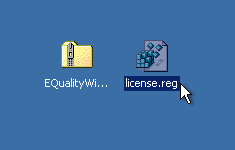
EQ_Win_Files.png

Double-click license.reg, and this box will open:
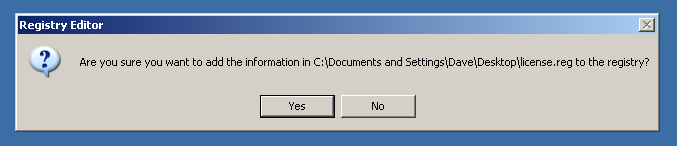
EQ_Win_regedit.png

Click "Yes" and the license is installed.

Now double-click the zip-file which contains the installer. Double-click the installer; it will look like this:
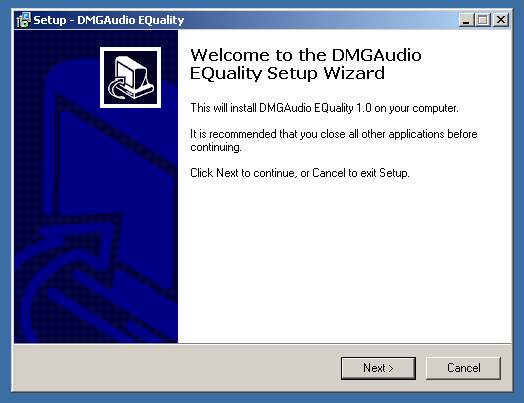
EQ_Win_installer.png

Click "next" (changing any options if you need to), and EQuality is installed!

Reload your host, and enjoy!

How to Install on OS X

You need two files to install; the plugin installer and the license file. Both are available from the downloads page once you're logged in. If you're using a demo, download the installer from the site, and use the form to get your license file emailed to you.
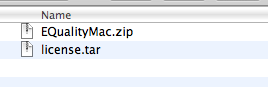
EQ_Mac_Files.png

If you are using Safari, one or both of these files may be automatically unzipped for you. If not, double-click them to decompress them, so you get this:
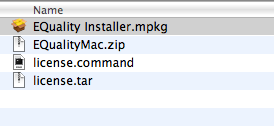
EQ_Mac_Unzipped.png

Double-click "license.command" to install the license. The license will install, and you'll get the following message to confirm:
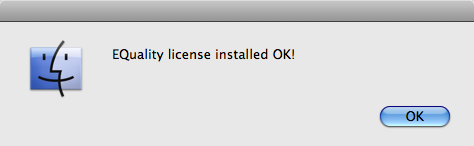
EQ_Mac_OK.png

Now double-click the installer, and it will launch. It looks like this:
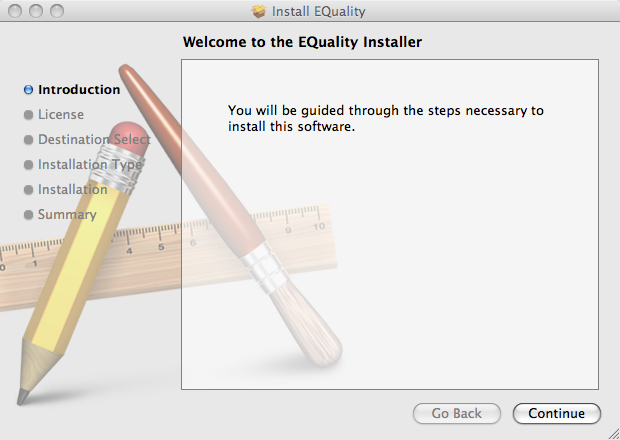
EQ_Mac_Installer.png

Click through until it installs, and everything is set!

Now relaunch your host and enjoy!