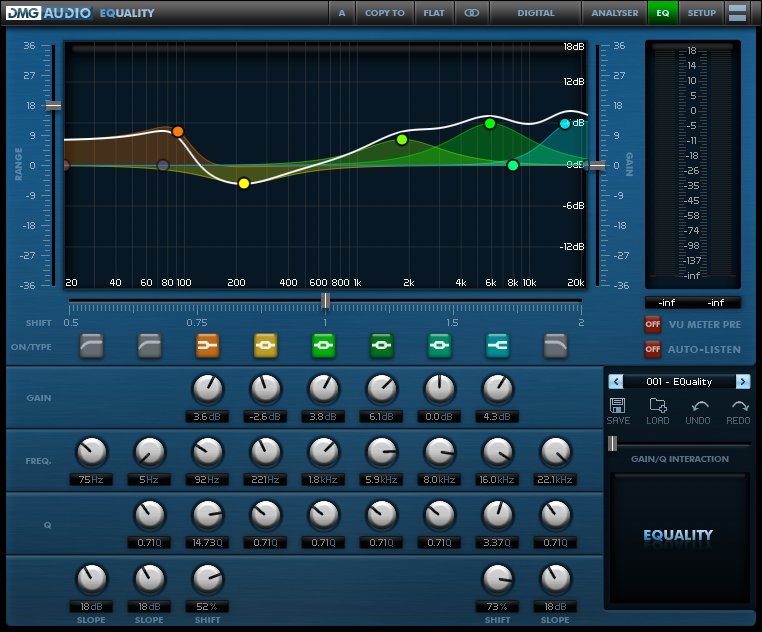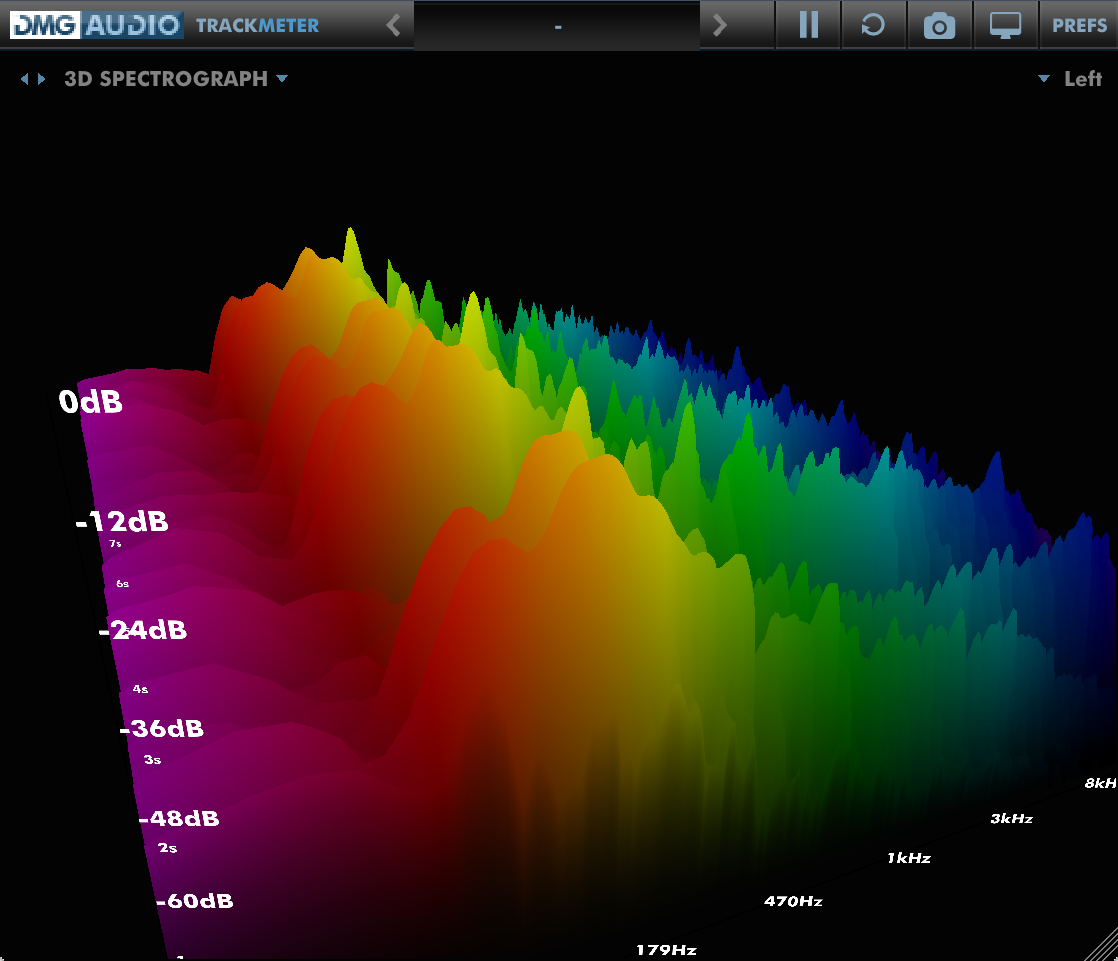
Returning users login for discounts :

Create a new account...
or continue as guest.

Your shopping cart

ProductQuantityPrice
TrackLimit978USD52,186.91
TrackGate767USD40,927.77
TrackComp 2566USD64,188.25
EQuick977USD97,761.80
TrackMeter1191USD63,552.76
Expurgate429USD57,238.09
TrackDS685USD36,552.18
EQuilibrium1256USD293,274.38
PitchFunk984USD98,462.24
Essence887USD118,345.42
Limitless958USD191,733.97
Dualism938USD219,021.79
EQuality953USD127,151.28
TrackControl761USD0.00
Multiplicity980USD228,828.74
Compassion970USD194,135.65
 Total :USD1,883,361.15 
 Discount :-USD659,239.54 
Your Price :USD1,224,121.61 
Please be advised that non-GBP prices are approximate and based on current exchange rate. The exact amount you will be charged is £917,388.56
Use the form above to pay with credit/debit cards, or click the logo to the right to use Paypal:

Your shopping cart

  • TrackLimit (978)

  • TrackGate (767)

  • TrackComp 2 (566)

  • EQuick (977)

  • TrackMeter (1191)

  • Expurgate (429)

  • TrackDS (685)

  • EQuilibrium (1256)

  • PitchFunk (984)

  • Essence (887)

  • Limitless (958)

  • Dualism (938)

  • EQuality (953)

  • TrackControl (761)

  • Multiplicity (980)

  • Compassion (970)

  • Discount :

    -USD659,239.54

  • Subtotal :

    USD1,224,121.61

  •  


How to Install on Windows

You need two files to install; the plugin installer and the license file. Both are available from the downloads page once you're logged in. If you're using a demo, download the installer from the site, and use the form to have your license file emailed to you.
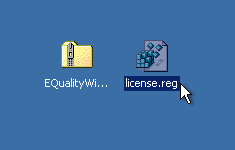
EQ_Win_Files.png

Double-click license.reg, and this box will open:
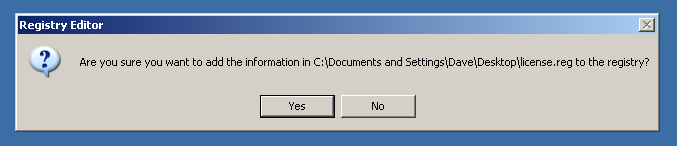
EQ_Win_regedit.png

Click "Yes" and the license is installed.

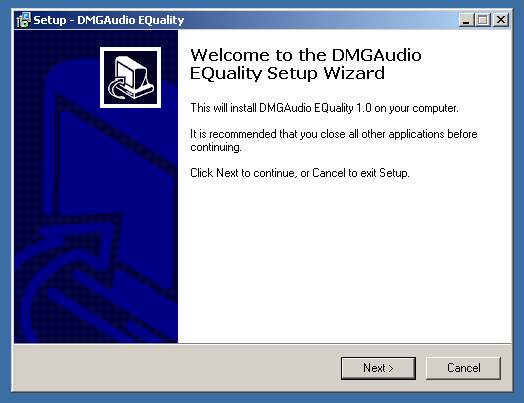
Now double-click the zip-file which contains the installer. Double-click the installer; it will look like this:
EQ_Win_installer.png

Click "next" (changing any options if you need to), and EQuality is installed!

Reload your host, and enjoy!

How to Install on OS X

You need two files to install; the plugin installer and the license file. Both are available from the downloads page once you're logged in. If you're using a demo, download the installer from the site, and use the form to get your license file emailed to you.
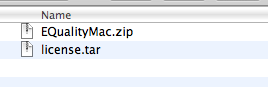
EQ_Mac_Files.png

If you are using Safari, one or both of these files may be automatically unzipped for you. If not, double-click them to decompress them, so you get this:
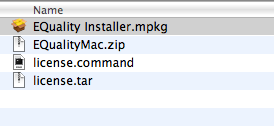
EQ_Mac_Unzipped.png

Double-click "license.command" to install the license. The license will install, and you'll get the following message to confirm:
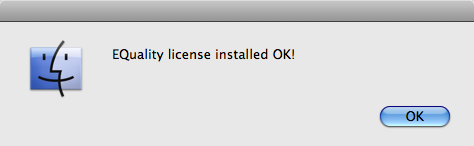
EQ_Mac_OK.png

Now double-click the installer, and it will launch. It looks like this:
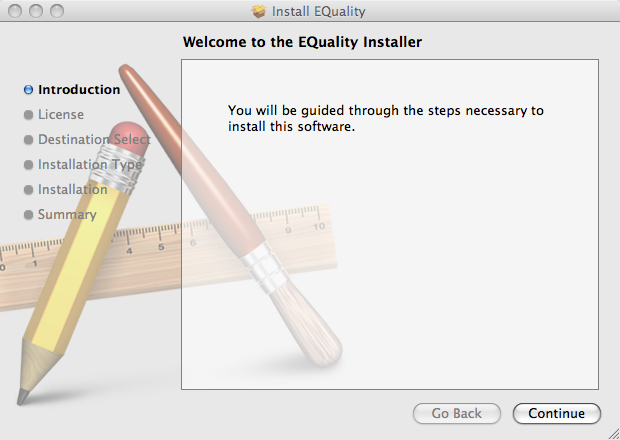
EQ_Mac_Installer.png

Click through until it installs, and everything is set!

Now relaunch your host and enjoy!